Windows High RAM Usage After Startup? 7 Proven Fixes That Actually Work
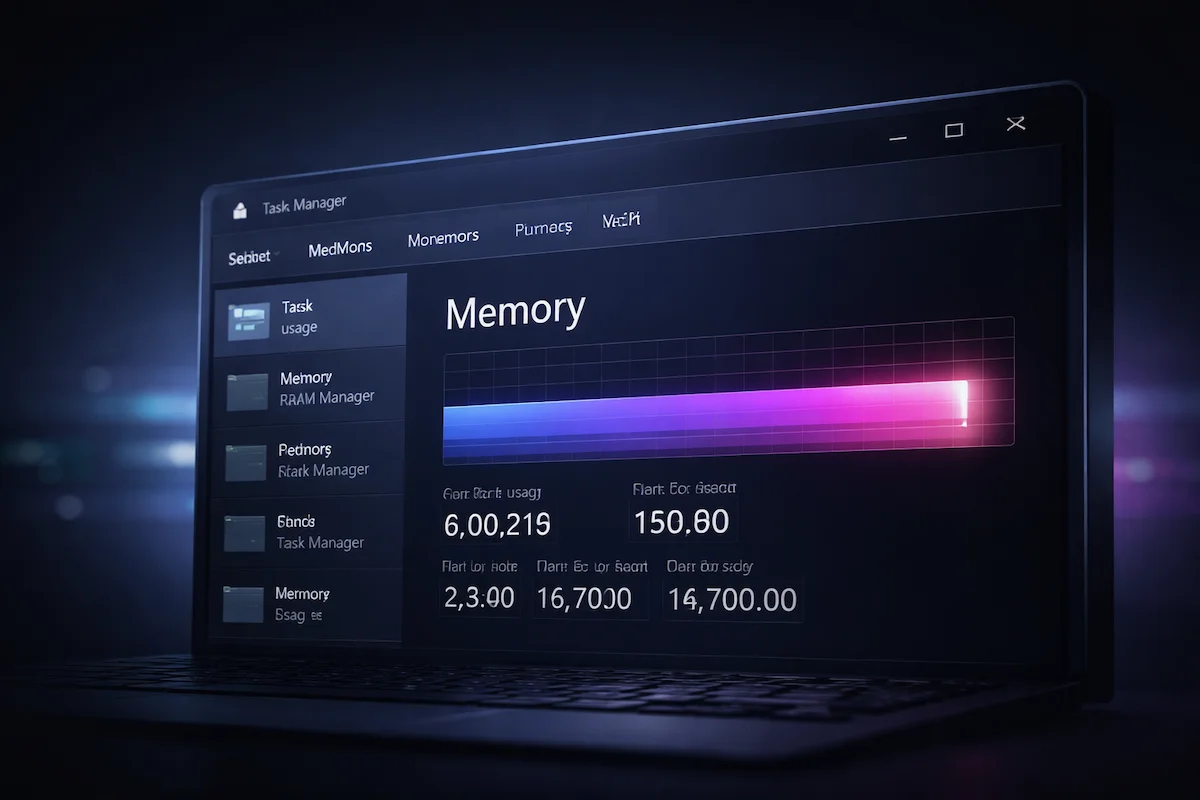
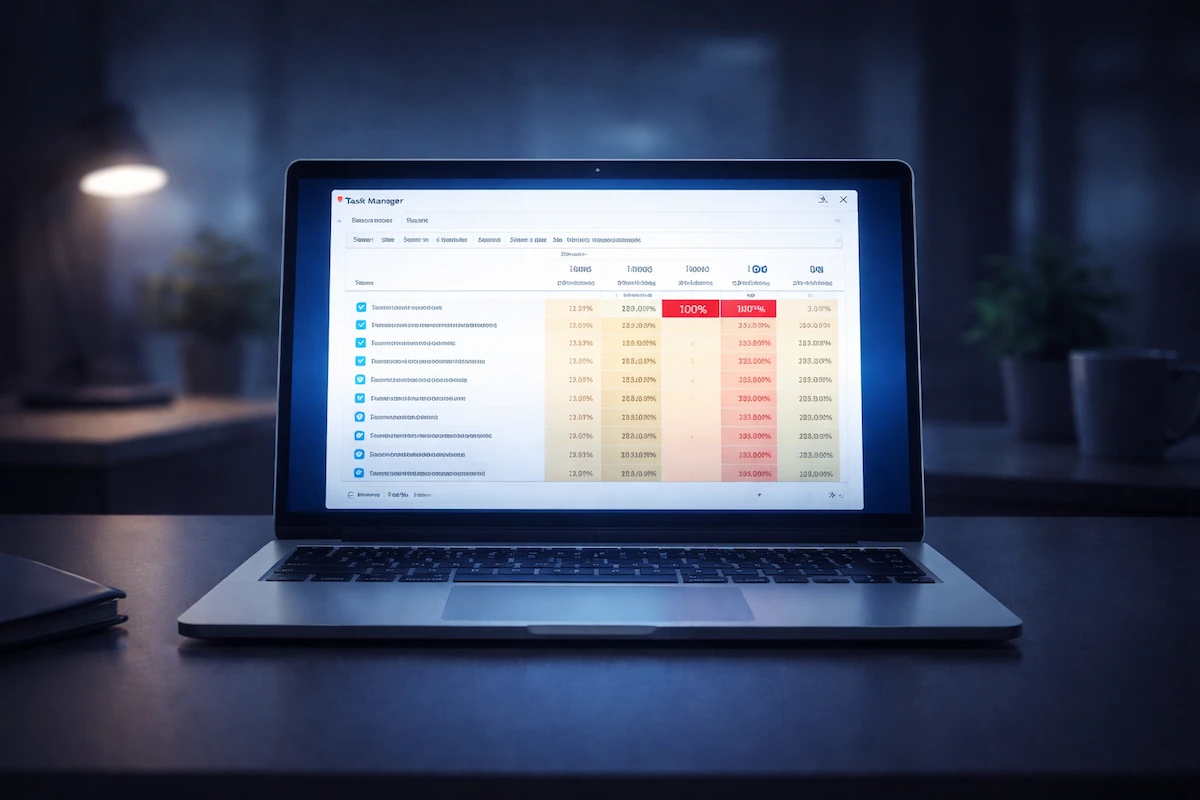
windows high ram usage after startup in Task Manager memory tab

If you notice windows high ram usage after startup, your system may feel slower than expected even when CPU usage appears normal. Task Manager may show 70% to 90% memory usage immediately after login, which can raise concerns about memory leaks, background services, or hardware limitations. Temporary memory spikes during boot are normal. Windows allocates … Read more
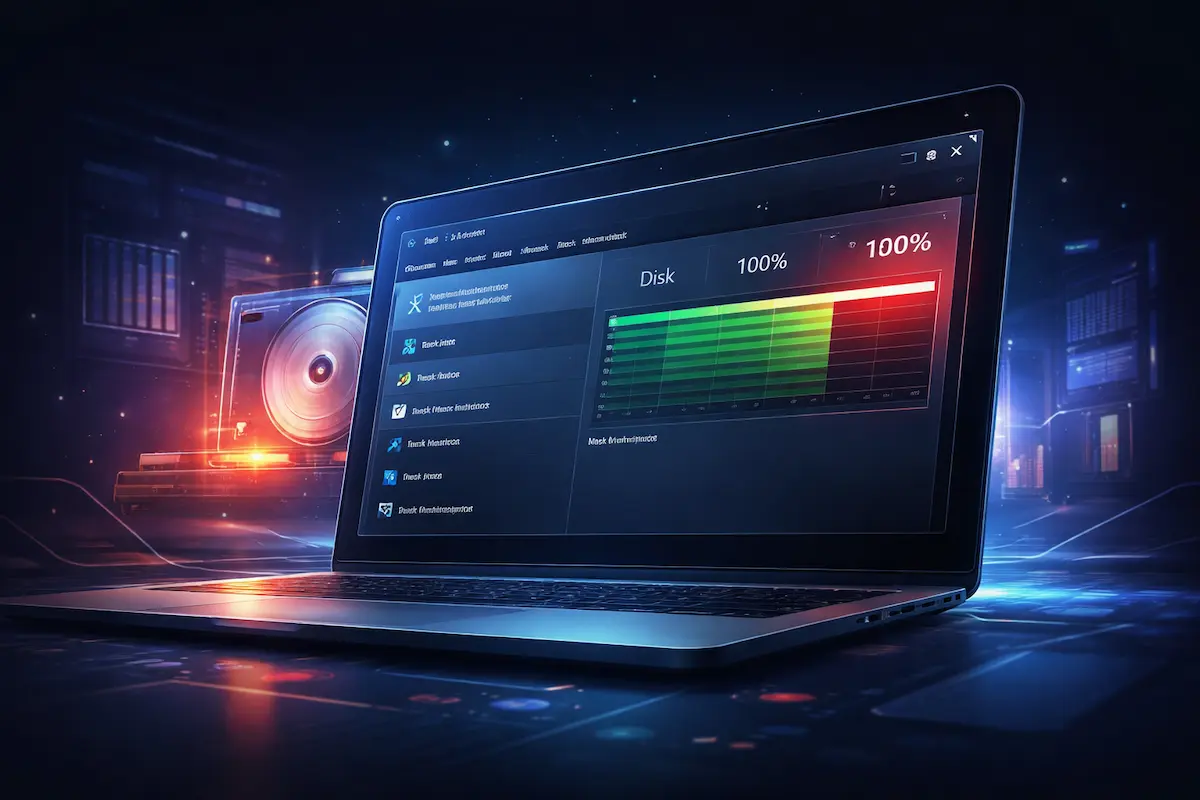
Windows Disk Usage 100% at Startup? 7 Fixes

Windows disk usage 100% at startup shown in Task Manager

If you notice windows disk usage 100% at startup, your PC may feel frozen or extremely slow for several minutes after boot. This usually happens because Windows loads drivers, services, startup applications, and background tasks at the same time. This guide focuses specifically on windows disk usage 100% at startup and explains how to diagnose … Read more

Windows Freezes Randomly? Causes and Practical Fixes

Windows freezes randomly while Task Manager shows high resource usage

If your Windows freezes randomly, it can disrupt your workflow without warning. The screen may stop responding, the mouse may freeze in place, and sometimes you may need to force a restart just to regain control. In many cases, Windows freezes randomly because of background activity, driver instability, overheating, or hardware stress rather than permanent … Read more

PC Shuts Down Without Warning? 6 Things to Check First

PC shuts down without warning due to possible overheating and power instability

If your PC shuts down without warning, it can feel alarming. One moment everything is working normally, and the next moment the screen goes black. There may be no error message, no blue screen, and no clear explanation. In many cases, a PC shuts down without warning due to overheating, power instability, or software conflicts … Read more